Edit and vote on portraits
How do I edit the illustration?
The edited portrait will be added as a new candidate portrait. Editing uses your own API key for image generation: see Get an API key.
Some corrections that you can select for editing:
- Remove the telltale signs of AI slop
- Adjust sex, age, mass, or color
- Change the fantastical feature or the fashion style
- Tap the gene card to go to the gene page.
- Click the pencil icon (Edit portrait) under the current portrait or under any candidate portrait.
- The edit dialog will open. In it you see which characteristics you can change.
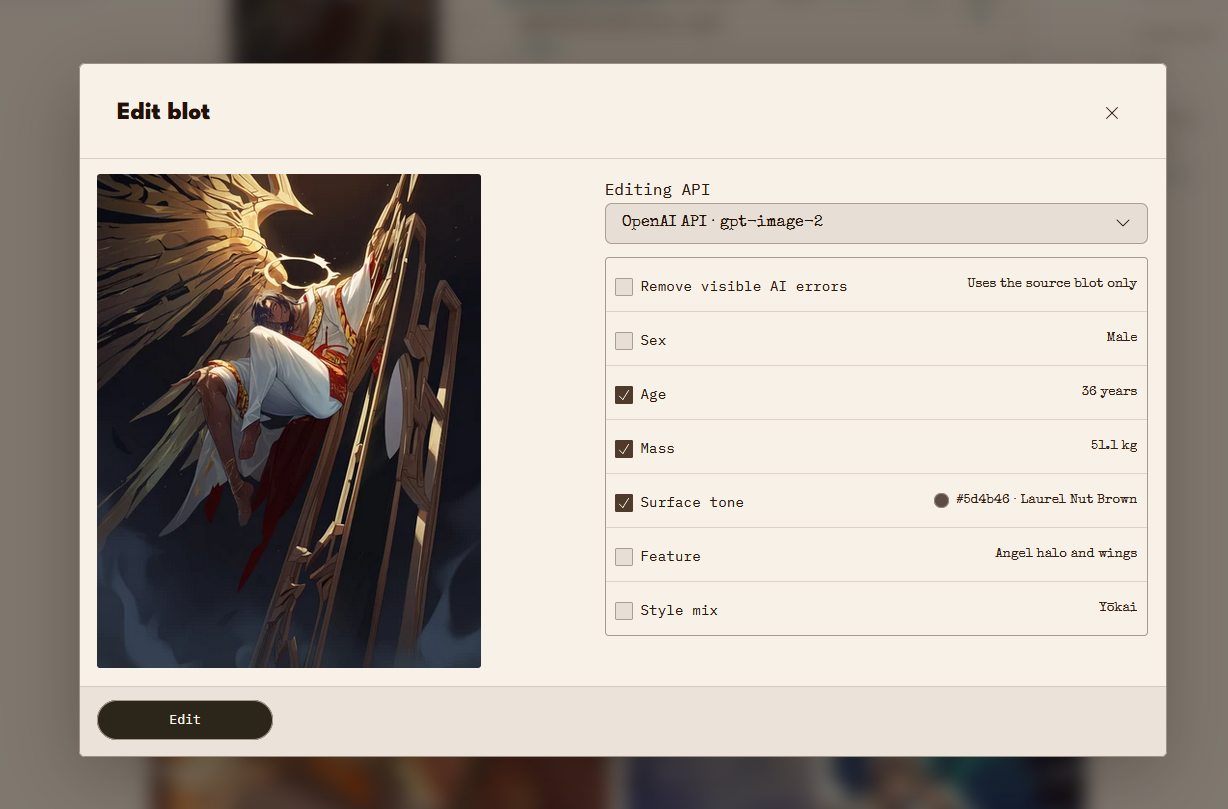
- Under Editing API, pick the provider whose key you saved.
- Tick each field that you want to edit. E.g. if the character looks bright green, but the “Surface tone” is dark, tick “Surface tone”. You can tick several fields at once.
- Click Edit to request an edited portrait.
- Wait 1-2 minutes for the new image to appear in the same dialog box. Drag the before/after slider to judge the results.
- Click Publish to add the new image to the gene’s candidate list.
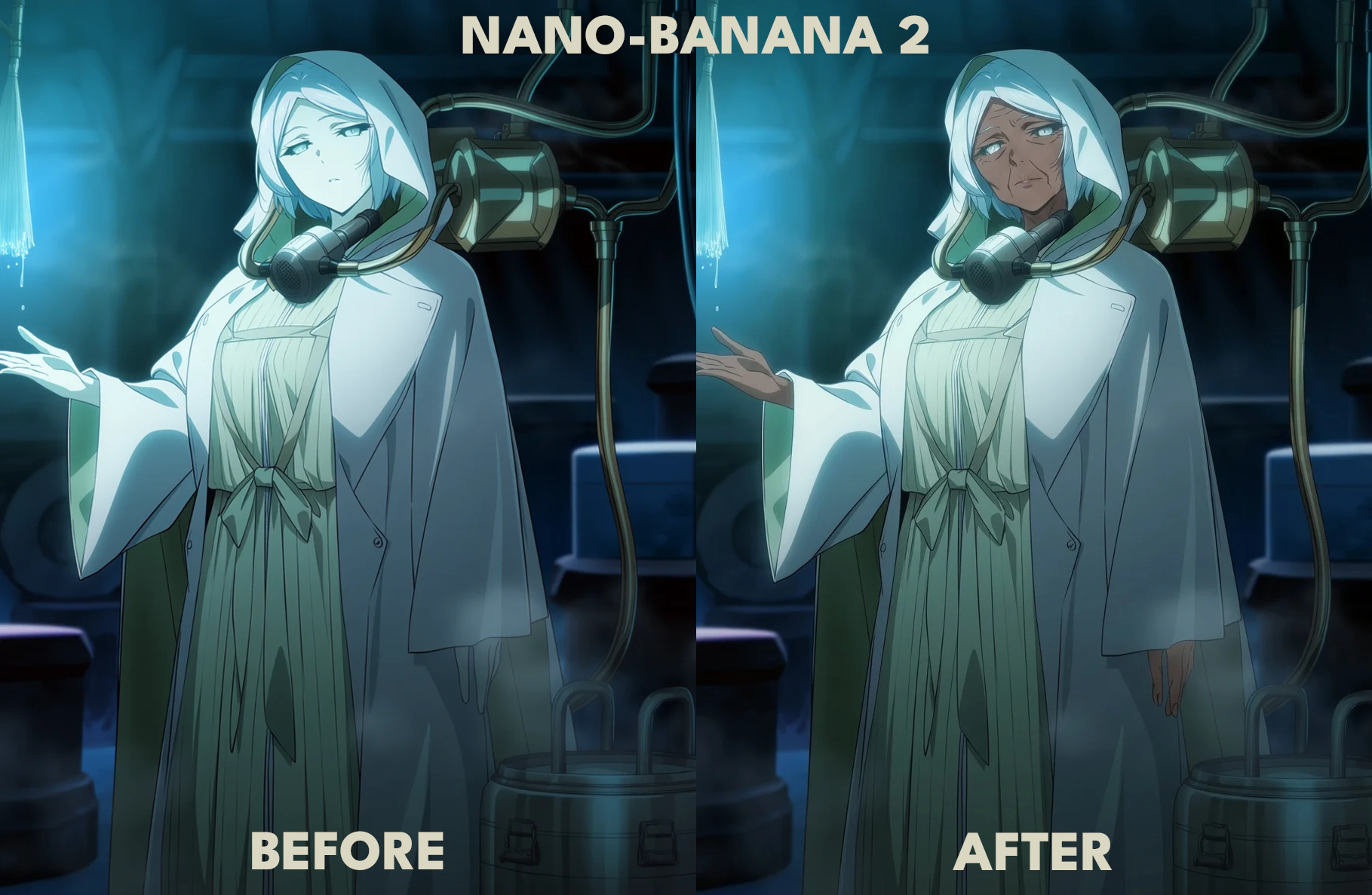
It’s not easily fixable - I don’t like the entire concept or art style of the current portrait.
Downvote the current portrait by tapping X or “misfit” under the current portrait. Upvote a better candidate portrait by pressing the checkmark under that candidate.
All candidate portraits are even worse!
Tap “Add portraits” and request one from the free queue (see Request a new portrait). To get a portrait in a minute or two instead, save an API key in the user settings for the service that you prefer for generating portraits, and use the Image API tab (see Generate with your own key).
All generated portraits for a gene are built on the same bad character concept.
Join our Discord to discuss how to modify character prompts for various gene families.
If the gene’s portraits consistently differ from the value that is assigned to the gene on its card, you can become a caretaker and correct the deviation: see the Caretaker’s handbook.
I noticed a candidate portrait that would better fit another gene.
Tap the copy icon below the candidate (the button next to “Edit”). It will open a picker, where you can select the target gene. The portrait is added as a new candidate to that other gene and auto-upvoted there.
What portraits are not suitable for Iconoplasm?
- 18+ images aren’t suitable.
- Animals and furries (anthropomorphic animals) aren’t well-suited to represent human genes. Save them for characters that represent the genomes of other animals. I’m looking forward to Drosophila characters.
- The same goes for any non-humanoid faces (for example, object-heads); helmets are OK, though.
- Monstrous humanlike faces (ogres, robots…) are OK if they pass more as human than as animal. Monster-human hybrids are OK if the top part is human (centaurs, nagas, driders).